Flag icons for country settings
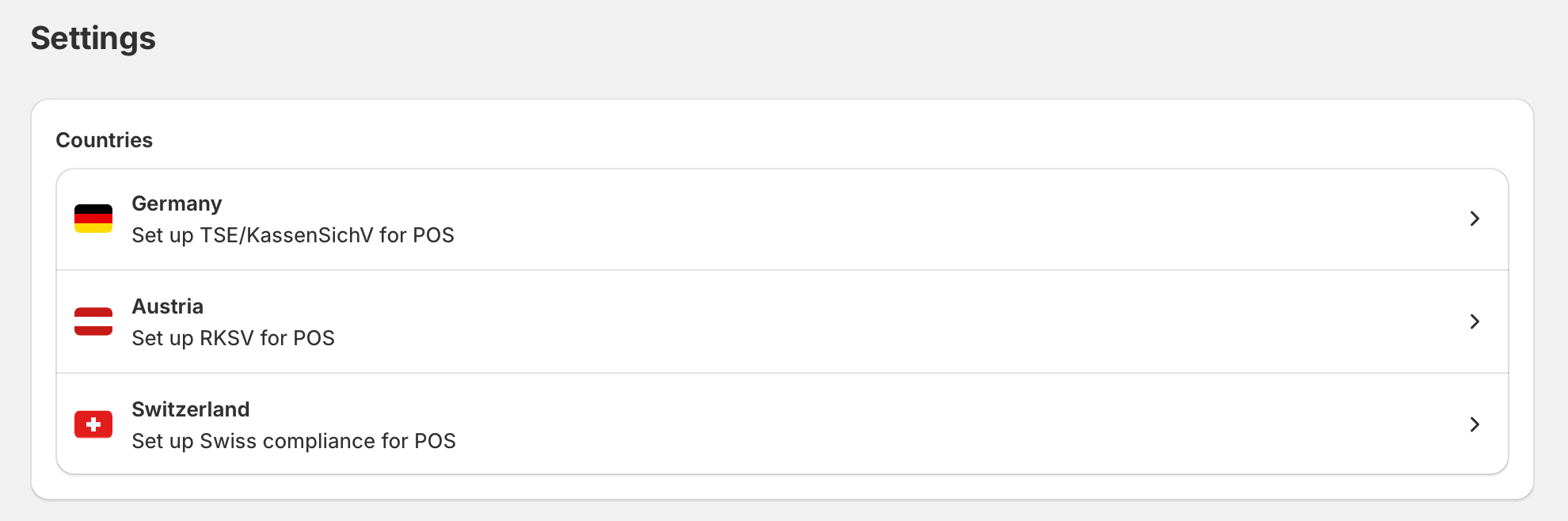
Country settings now display flag icons in the OpenFiskal app, making it easier to identify and select the correct country at a glance during setup and configuration.
Follow new updates and improvements to OpenFiskal.
Country settings now display flag icons in the OpenFiskal app, making it easier to identify and select the correct country at a glance during setup and configuration.

The register details screen in the admin app now shows the fiscal status of the selected register and provides direct actions to fiscalize or decommission it.
Cash Book now also displays the start and end balances for sessions without any cash transactions. This ensures a complete overview of every session, even when no cash movement occurs.